How it works
From a web address to published posts
Five steps, and only one of them takes real time — the approval. Everything before it happens while you are doing something else.
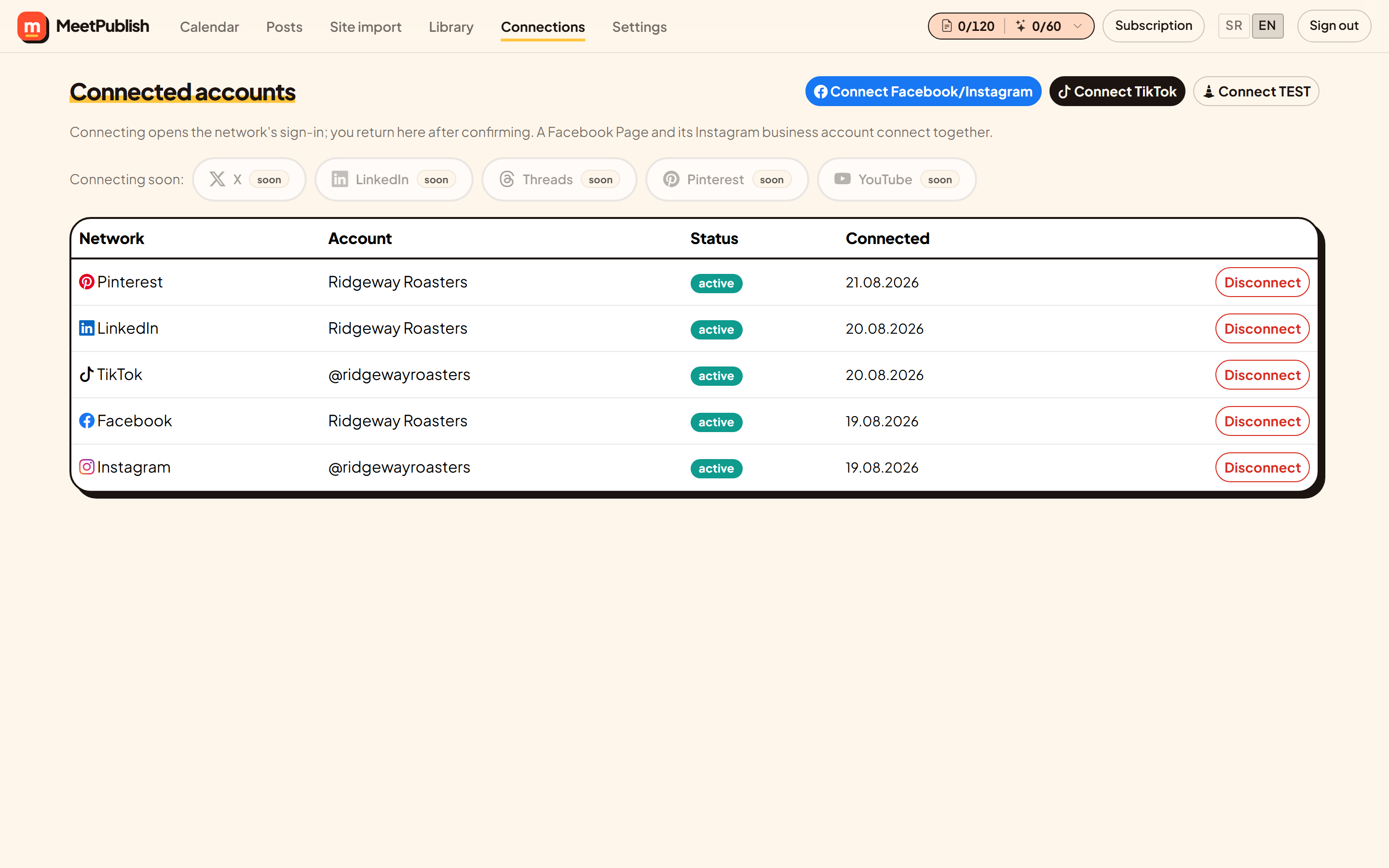
Connect the accounts you already run
Facebook pages, Instagram business profiles, LinkedIn, TikTok, X, YouTube, Pinterest and Threads. Each account is one channel; you can add, replace or remove one at any time without touching the calendar.
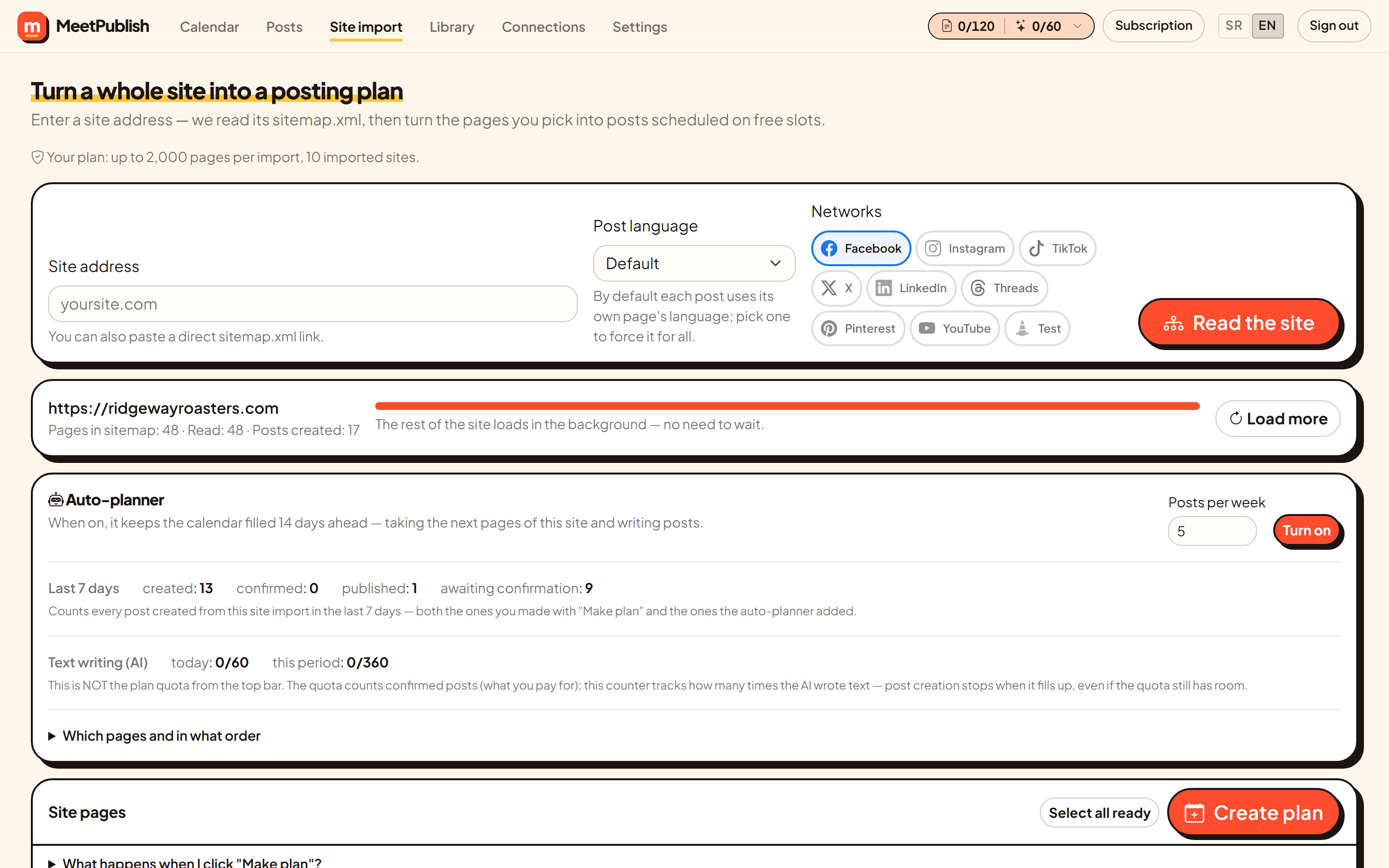
Give us the website
Paste the address. We look for the sitemap, follow it, and list every page with its title, description, image and language. The first thirty are read immediately; the rest are fetched in the background so a large site does not keep you waiting.
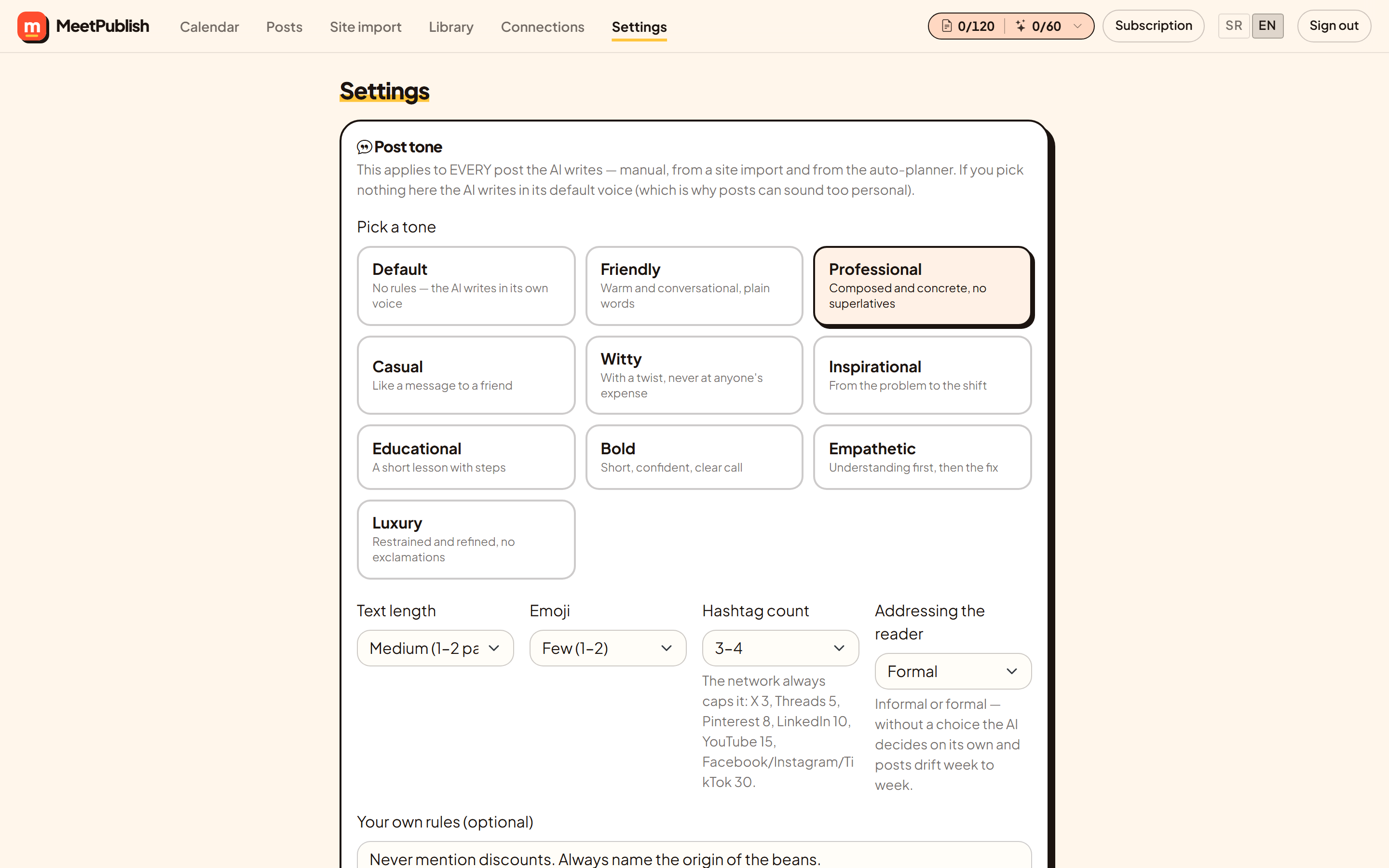
Set the voice once
Choose a tone, a length, how many emoji and hashtags, and whether posts address the reader formally or informally. Add your own rules — never mention prices, always mention weekend opening — and they take priority over the preset.
We write and schedule
Each selected page becomes a post: text and hashtags in your tone and language, the page image cropped for every network it goes to, and the first free slot from your posting times. Turn on the auto-planner and it keeps two weeks filled without being asked.
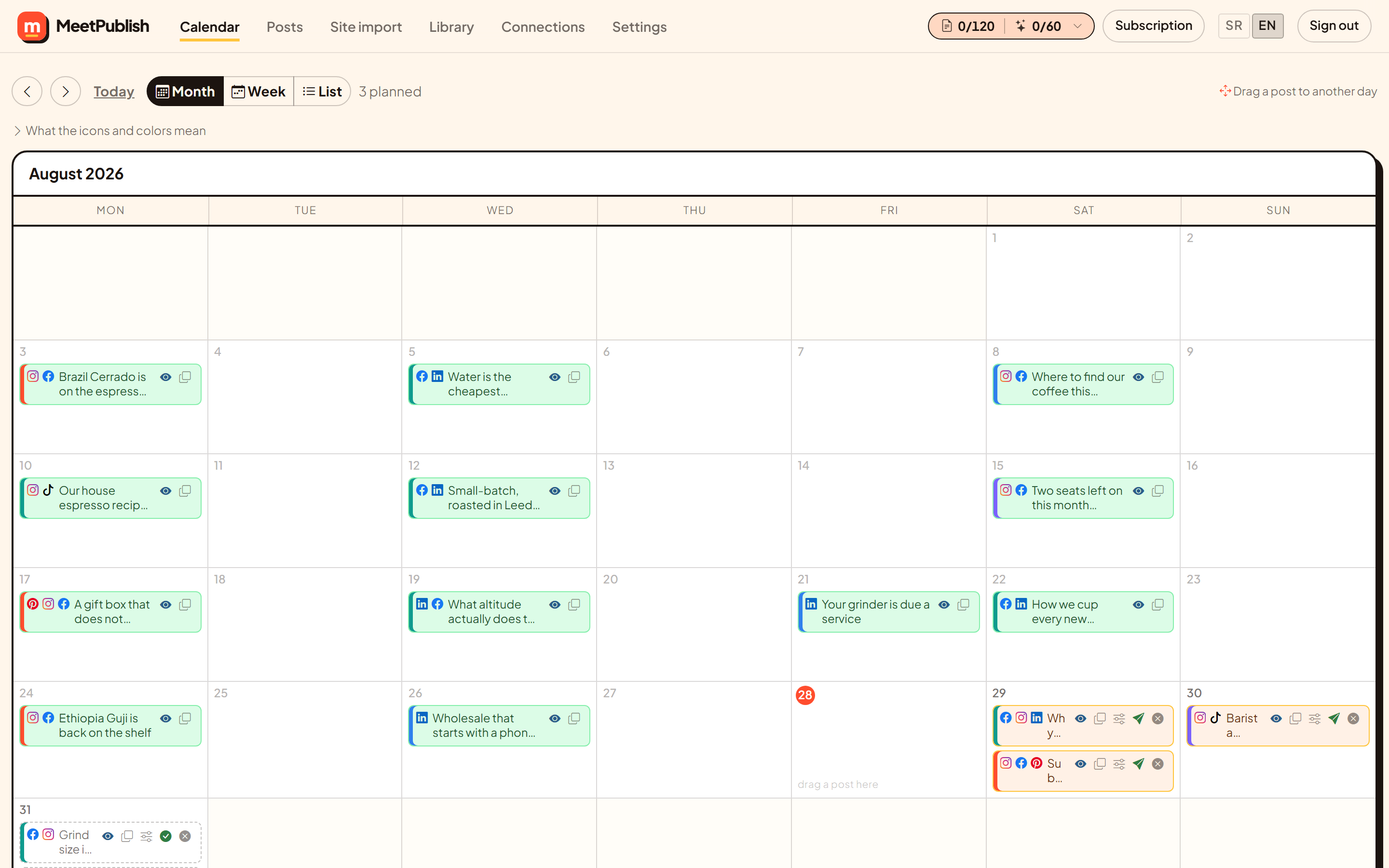
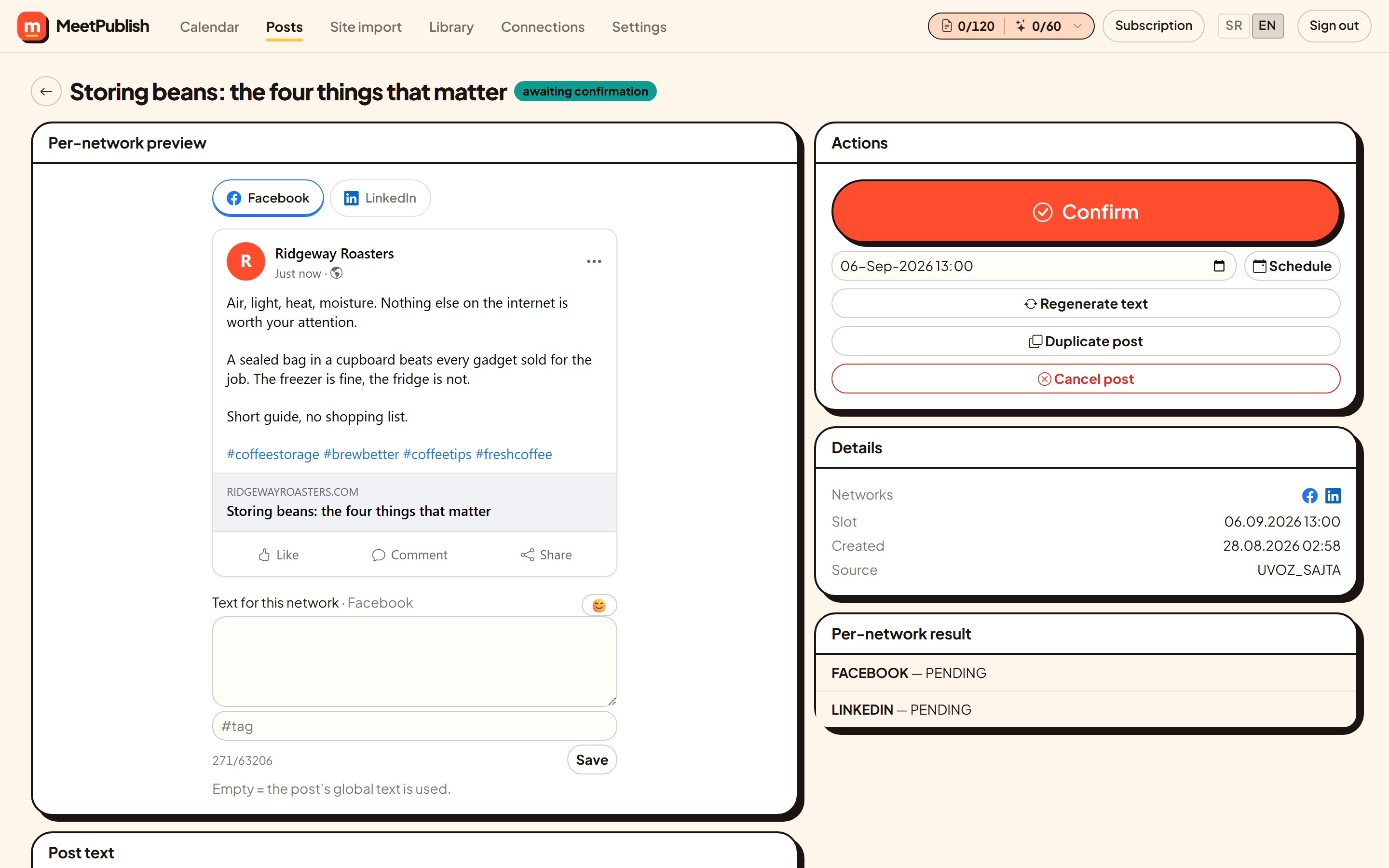
You approve, we publish
Everything waits in review until you say yes. Approve one post or the whole batch, edit anything you want first, and MeetPublish publishes at the scheduled time. Each network reports back separately, so a partial failure is visible rather than silent.
FAQ
Frequently asked questions
What if my site has no sitemap?
Paste a direct link to any sitemap.xml, or tell us and we will look at the site. A site with no sitemap at all can still be used — you write posts by hand and everything else works the same.
Do I need a designer?
No. Images come from your own pages and are cropped per network automatically. Bring a designer when a campaign deserves one.
Can I still edit after scheduling?
Yes. Open the post from the calendar, change the text or the time, and save. Nothing is fixed until it is actually published.
What happens if a network rejects a post?
The post stays in the calendar with the error from that network, and the networks that succeeded are marked as published. Nothing fails silently.
Ready when you are
Ready to get started?
Grow the presence you already have. Plan, publish, and keep an eye on every channel from one calendar.