Sitemap import
Paste an address or a direct sitemap.xml link. We follow sitemap indexes, read up to 2,000 pages and pull the title, description, image and language from each one.
Full feature list
The full list, grouped by the work it does: where the content comes from, how it is written, how it is shaped per network, how it is scheduled, and what keeps it under control.
Source
Most tools start with an empty box. MeetPublish starts with the pages you already published.
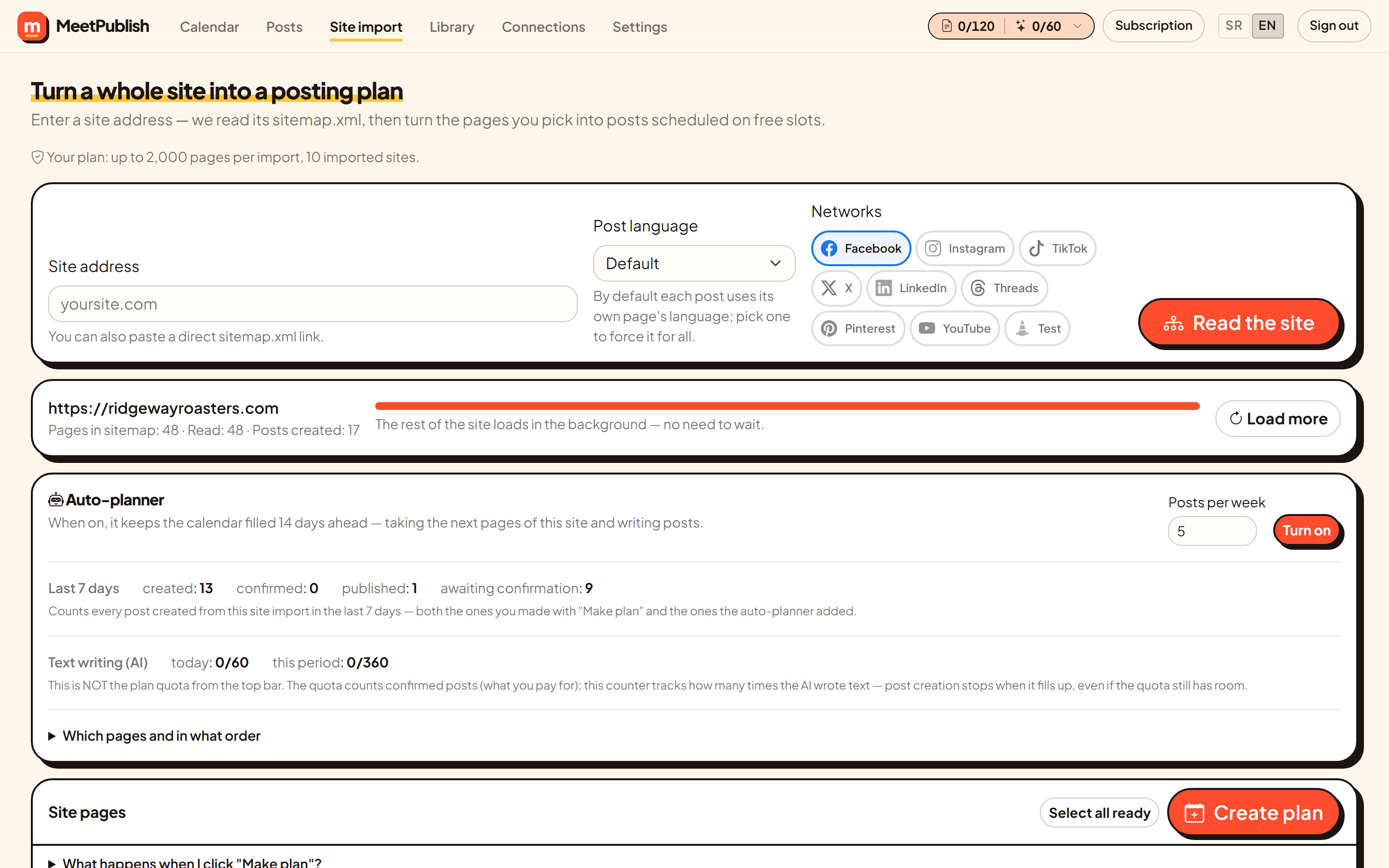
Paste an address or a direct sitemap.xml link. We follow sitemap indexes, read up to 2,000 pages and pull the title, description, image and language from each one.
The first thirty pages are read while you watch. The rest are fetched in the background, so a large site never blocks the screen.
Comma-separated fragments decide which URLs qualify. Keep /services/ and /journal/, drop /tag/ and /author/ — the plan then uses only pages worth posting.
Sitemap order, newest first by last-modified date, or shuffled. The planner takes pages in that order.
When the pages run out, the planner can start a new round over the same pages. Earlier posts go into the prompt so the new one takes a different angle.
Any page can be taken out of the plan and put back later. Unreachable pages are listed with the reason instead of disappearing.
Writing
Tone is a setting, not a prompt you retype. It applies to every post — written by hand, imported from your site or added by the planner.
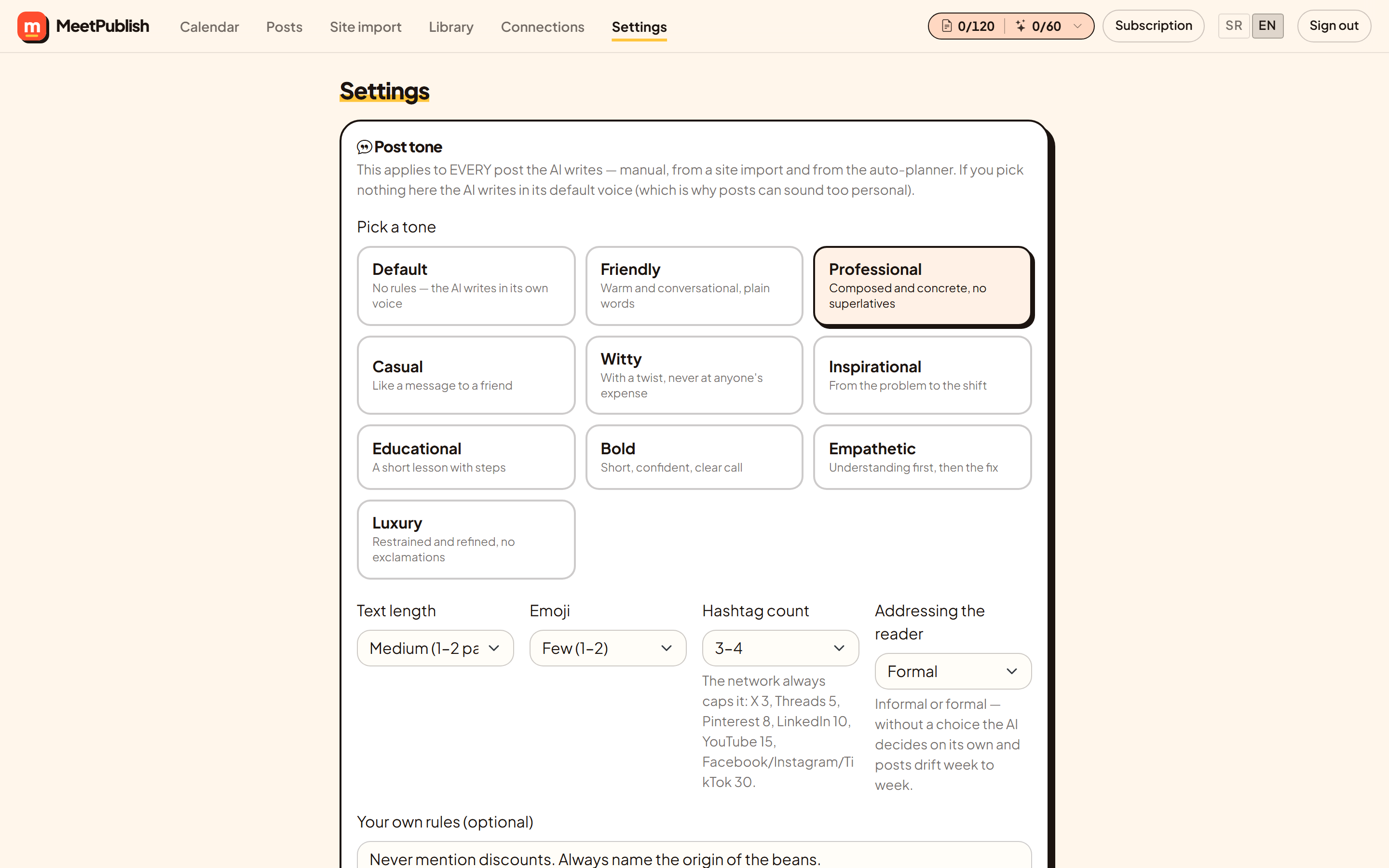
Friendly, professional, casual, witty, inspirational, educational, bold, empathetic, luxury — or none at all. Each preset is a concrete instruction, not an adjective, because a model cannot act on “professional” but can act on “no exclamation marks, no superlatives”.
Short, medium or longer. No emoji, a few, the usual, or plenty. Set once, applied everywhere.
Automatic, none, or a range from 1–2 up to 11–15. The network still caps it — X takes three however many you ask for.
Most languages distinguish the two. Without a choice the model picks on its own and your posts drift week to week; here it stays consistent.
Free text that overrides the preset: never mention prices, always mention weekend opening, avoid a particular word.
Pick the language per post or per import. The default is the language of the page itself, so an English site produces English posts without being told.
When a page has been posted before, the earlier texts go into the prompt with an instruction to change the hook, the structure and the examples.
Not happy with a draft? Rewrite it. Each plan allows a set number of rewrites per post, so the option cannot quietly become a cost.
Output
Eight networks, eight sets of rules. The post is shaped for each one before you ever see it.
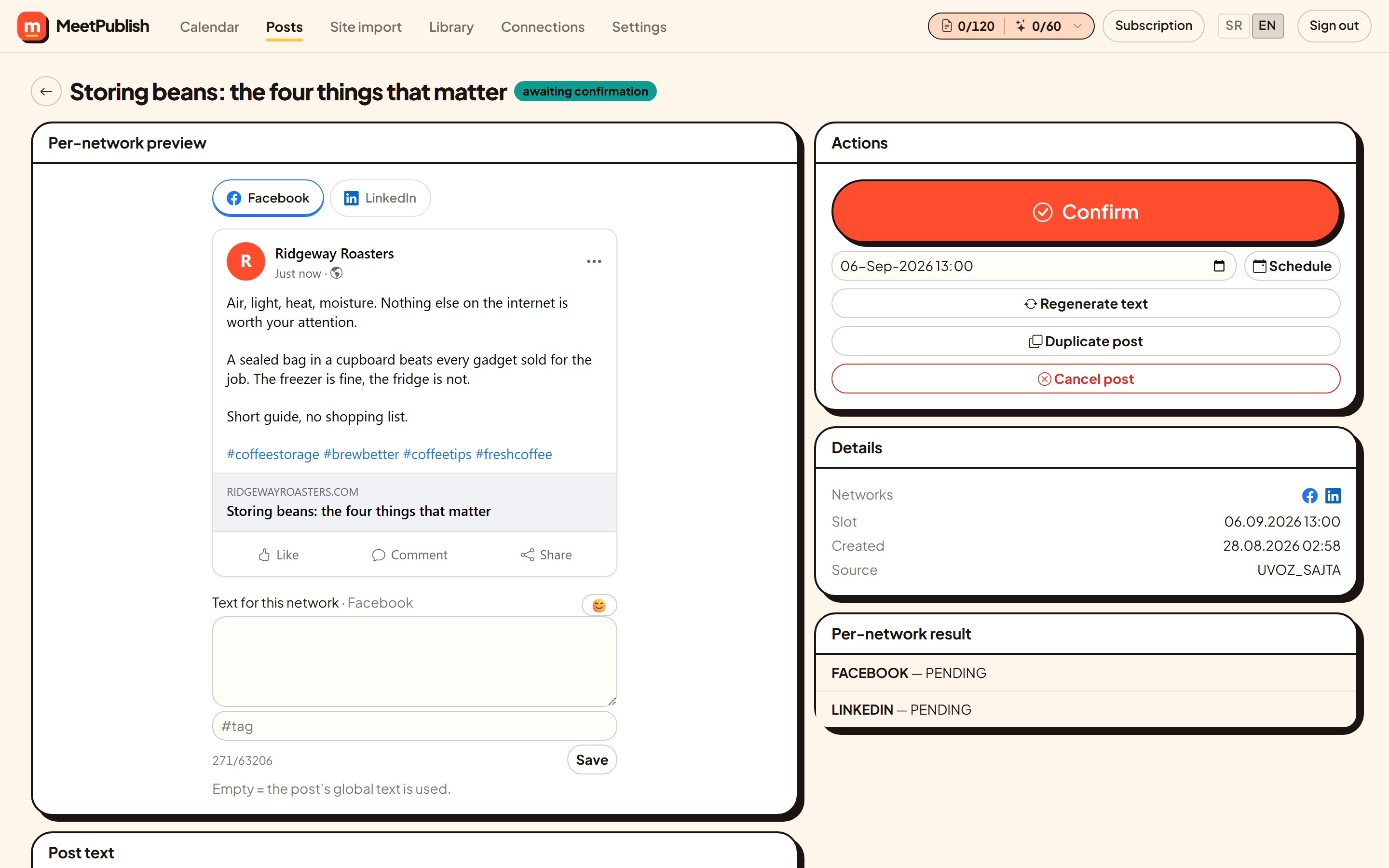
The Facebook link card, the Instagram crop, the LinkedIn wrap, the X counter. Switch tabs and see what each audience will see.
Any network can carry its own version. Leave it empty and it uses the shared text.
A counter per network with the overflow highlighted in red, and X links counted as 23 characters the way X counts them.
One upload becomes a square for Instagram, a landscape for Facebook and LinkedIn, a vertical for TikTok — cropped around a focus point you set by clicking the picture.
Alt text is stored with the image in the library and goes out with every post that uses it.
The line that belongs on everything — address, opening hours, a tagline — appended automatically.
After publishing, each network reports separately. A post that succeeded on two networks and failed on the third says exactly that, with the error.
Schedule
The calendar is where the work is checked, moved and approved.
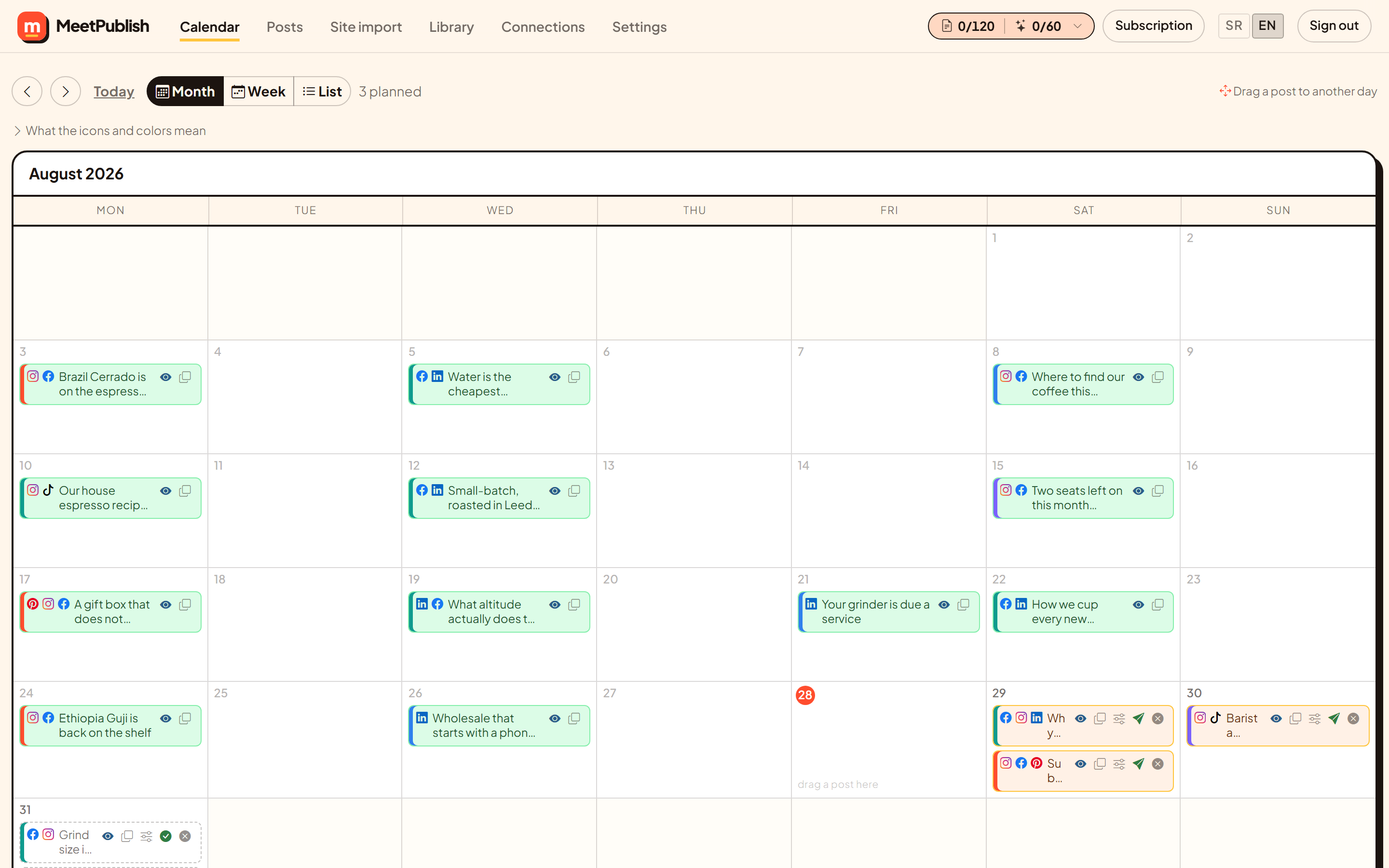
Month for the shape of the plan, week for the detail, list for going through them one by one.
Up to six times a day. Every post takes the first free slot, so nothing lands at the same hour and nothing collides.
Move a post and the slot moves with it. Past days are not valid targets.
Each entry shows its network icons first, so scanning the month tells you where the week is thin.
Colour-coded labels for campaigns, product lines or clients.
Copy a post that worked, give it a new date, adjust the text.
Posts taken off the schedule land in a tray at the top instead of vanishing, ready to be dropped back on a day.
One button approves everything waiting in review, when you have read them and agree.
Control
Everything above can run on its own. None of it can run away with your budget.
Every generated post waits for approval. Auto-publish exists and stays off until you switch it on.
The plan quota counts approved posts. A second counter tracks AI writing, including drafts you never approve. Both sit in the top bar with an explanation.
A daily limit, a per-period limit, a cap on drafts waiting for approval and a cap on pages per import. When one fills, the queue pauses and says which one.
Nothing is lost when a limit is hit. The pages stay queued and the queue continues once quota or the next day frees up.
“Create plan” opens a summary of exactly what will happen, how many posts will be created and where they will go, before any of it starts.
Everyday
Smaller things, used constantly.
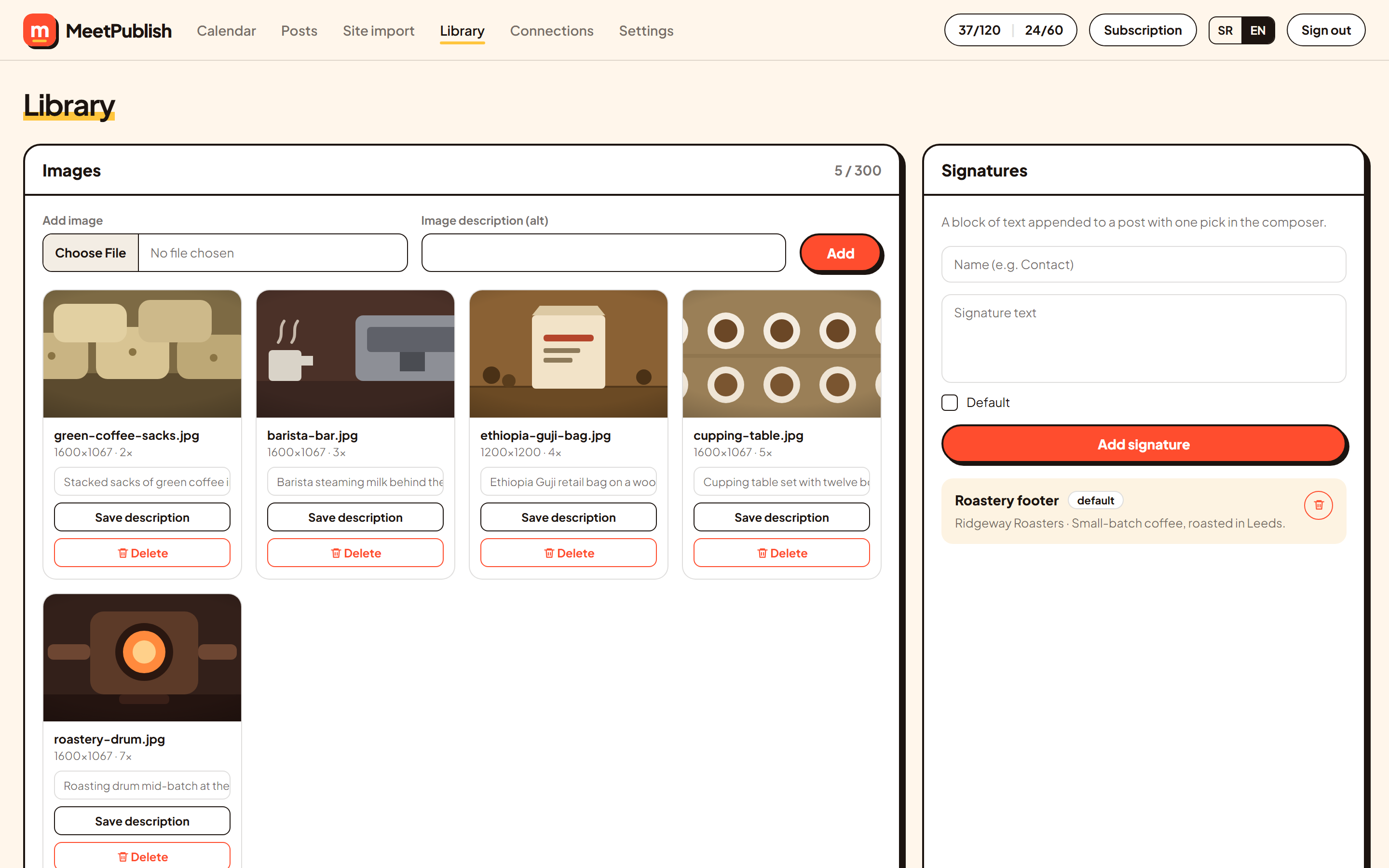
Upload once, reuse anywhere, with alt text and a focus point stored per image.
Write on the left, watch the networks update on the right. Emoji picker, hashtag field, per-network overrides.
Filter by state, thirty per page, open, edit, duplicate or cancel.
The whole application, both languages, switchable at any time.
The calendar, the list and approval all work on a small screen — approving from a phone is the common case.
Ready when you are
Grow the presence you already have. Plan, publish, and keep an eye on every channel from one calendar.